You publish an Instagram post or Reel, it receives encouraging engagement, and Instagram shows you the option to Boost Post. The process looks simple: choose a goal, audience, budget and duration. However, businesses are often unsure whether boosting is an advertisement and how it differs from running a campaign through Meta Ads Manager.
Many business owners still ask, what does boost post mean on Instagram, and whether it offers the same control as a full campaign. Within a broader Instagram Advertising Malaysia strategy, choosing between boosting and Meta Ads Manager depends on the business goal, targeting needs and level of measurement required.
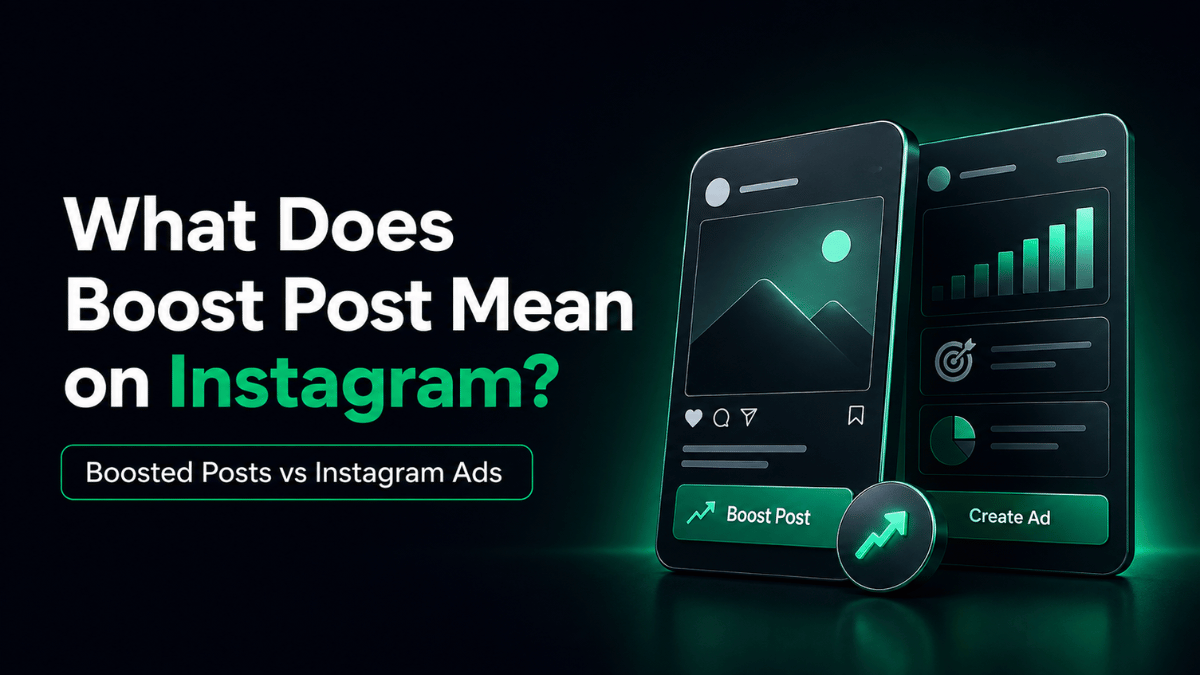
Boost Post on Instagram means paying to show an existing post or Reel to more people beyond its organic audience. The content becomes an ad with a selected goal, audience, budget and duration. Meta Ads Manager offers more control over objectives, targeting, placements, testing and measurement.
Boosting may suit a simple promotion, while Ads Manager is generally better for businesses that need more structured targeting, testing and measurable campaign outcomes.
What Does Boost Post Mean on Instagram, and Is It an Ad?
If you are wondering what does boost post mean on Instagram, it simply means turning an existing post or Reel into a paid promotion to reach more people. Boosting means paying Instagram to distribute content that has already been published on your account.
Instead of relying only on followers and organic recommendations, boosting allows the post or Reel to reach a larger or more selected audience for a set period.
A typical promotion involves choosing:
- A goal
- An audience
- A budget and duration
- A destination or call to action
Once approved, Instagram begins delivering the content as paid advertising.
Is a Boosted Post an Advertisement?
Yes. A boosted post is still an advertisement.
The difference is how it is created. Instead of building a complete campaign in Meta Ads Manager, you turn an existing Instagram post or Reel into a paid promotion through a simpler setup.
The promoted content looks similar to the original post but may reach people beyond your normal audience and carry a “Sponsored” label. Boosting is therefore a simplified way to create an Instagram ad.
What Happens After You Boost a Post?
Instagram distributes the post based on the audience, budget, duration and goal selected.
More reach does not automatically mean more enquiries or sales. Performance still depends on the message, offer, audience, call to action and destination. Boosting increases distribution; it does not fix a weak customer journey.
Boosted Posts vs Instagram Ads: What Is the Difference?
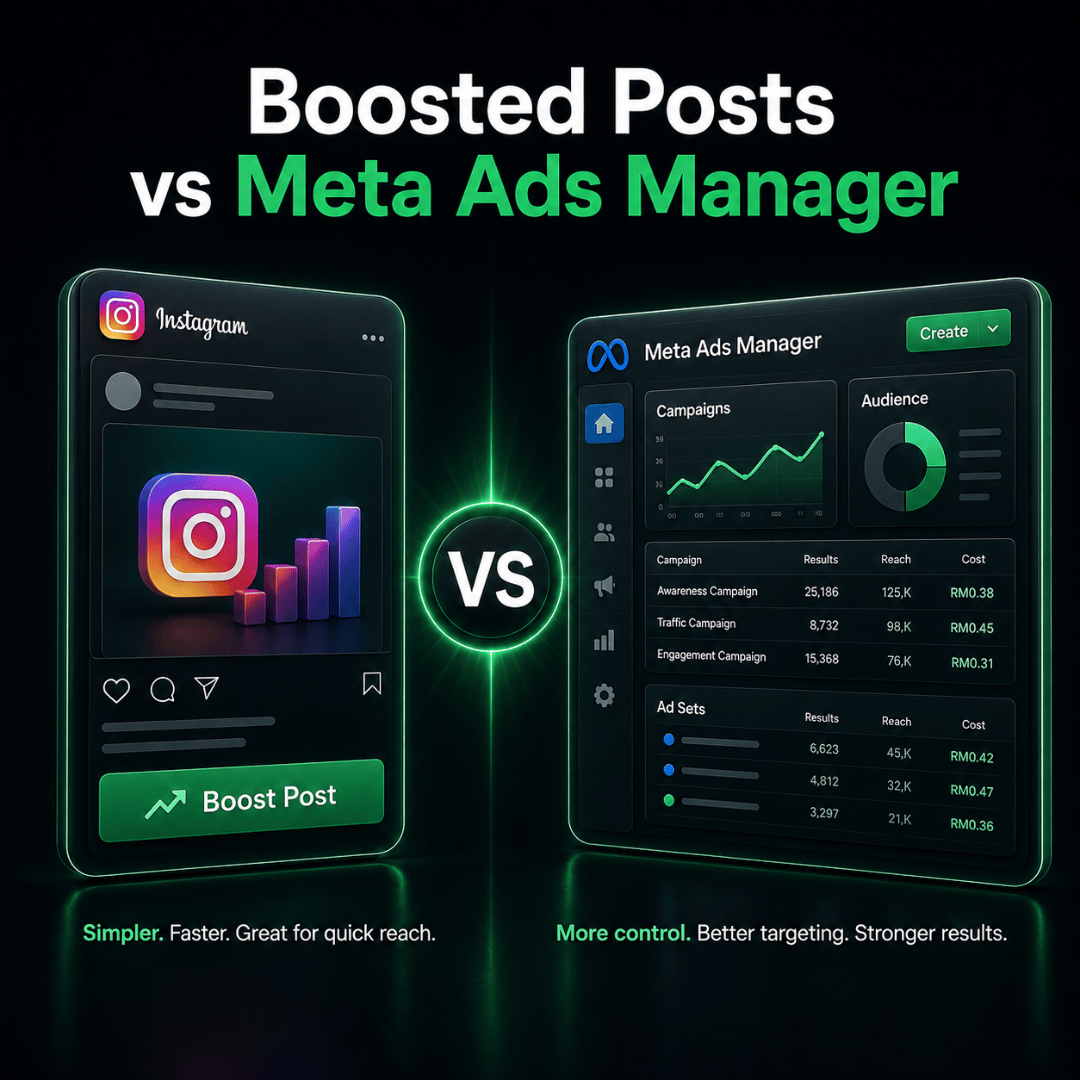
The main difference is the level of campaign control.
Boost Post simplifies advertising into a few basic decisions. Meta Ads Manager provides a fuller structure covering objectives, audiences, placements, creative variations, budgets and reporting.
| Area | Boost Post | Meta Ads Manager |
| Setup | Faster and simpler | More detailed |
| Creative | Existing post or Reel | Existing or newly created ads |
| Objectives | Limited, simplified choices | Wider optimisation options |
| Audience control | Basic or automated | More advanced segmentation |
| Placements | More limited and automated | Greater placement control |
| Testing | Limited | Structured creative and audience testing |
| Reporting | Basic promotion results | More detailed measurement |
| Best suited for | Visibility, engagement or profile activity | Leads, sales, retargeting and structured campaigns |
Campaign Setup and Targeting
Boosting is designed for speed. A business can select a published post, choose basic settings and launch a promotion without creating a full campaign structure.
Ads Manager requires more planning but allows businesses to organise audiences, ads and budgets more clearly. Separate groups can be created for new prospects, website visitors and previous Instagram engagers.
Boost Post usually offers simplified goals such as profile activity, website visits or messages. Ads Manager is more suitable for lead generation, purchases, registrations, retargeting or testing several audiences and offers.
Placements, Creative and Testing
Boosting relies more heavily on simplified placement and delivery options.
Ads Manager gives businesses more control over where advertisements appear and allows different assets to be prepared for Feed, Stories or Reels. This matters because one creative may not perform equally well in every placement.
Ads Manager also makes it easier to compare audiences, visuals and calls to action, then connect reporting to website actions, enquiries or sales.
Can You Use an Existing Instagram Post in Ads Manager?
Yes. Using Ads Manager does not always mean creating a completely new advertisement.
Businesses can sometimes select an existing Instagram post or Reel during ad setup. This allows them to keep the original content while gaining access to broader campaign controls.
When Should Your Business Boost a Post or Use Ads Manager?
Understanding what does boost post mean on Instagram helps businesses decide whether a simple promotion provides enough control for their intended outcome. Neither method is automatically better in every situation. The right choice depends on the intended outcome.
When Boosting May Be Enough
Boosting may suit a simple promotion where the business mainly wants to increase the visibility of existing content.
Examples include:
- Promoting an announcement to more local users
- Increasing awareness of an event or offer
- Encouraging profile visits
- Expanding the reach of a useful post
- Testing whether a content theme attracts interest
Even then, define what success means before spending. More reach alone may not prove that the promotion created business value.
When Ads Manager Is More Suitable
Ads Manager is usually more appropriate when the campaign needs greater control or measurement.
This may include campaigns designed to:
- Generate qualified enquiries or leads
- Promote several products or offers
- Retarget previous visitors or social media engagers
- Compare multiple audiences or creatives
- Control budget distribution
- Track actions beyond likes and profile visits
- Scale a successful campaign over time
The more important the business outcome, the more valuable campaign structure becomes.
Choose Based on Your Goal
Understanding what does boost post mean on Instagram helps businesses decide whether a simple promotion offers enough control for the result they want. Before choosing, complete this sentence:
“We are spending this budget because we want the audience to ______.”
The answer may be to visit a profile, send an enquiry, register for an event, request a quotation or purchase a product. When the desired action is simple and happens mainly within Instagram, boosting may be sufficient.
When it involves audience segmentation, a website, retargeting, a sales process or conversion tracking, Ads Manager is usually the stronger option.
What Do You Need Before Boosting an Instagram Post?
The Boost Post button may be simple, but the campaign still needs preparation.
An Eligible Account and Post
The account and content must be eligible for advertising. Restrictions, payment issues or policy problems may prevent promotion.
A Clear Goal and Destination
Decide what the audience should do next. A campaign intended to receive messages needs different content from one designed for profile visits or website traffic.
When directing people to a website, confirm that:
- The page works properly on mobile
- The message matches the Instagram post
- The next action is clear
- Forms and buttons work
More traffic will not solve a confusing or unprepared page.
A Relevant Audience
Avoid choosing an audience only because it appears large.
The audience should reflect the people most likely to care about the offer. Location is especially important for local businesses. Reaching users outside the service area may increase impressions without improving useful results.
A Budget and Tracking Plan
Set a realistic budget and decide how results will be recorded before the promotion begins.
Instagram’s insights may be enough for simple profile activity. Website visits, messages or enquiries may also require analytics, tagged links or enquiry records. Without tracking, it is difficult to judge whether the promotion was worth repeating.
How to Boost a Post or Reel on Instagram
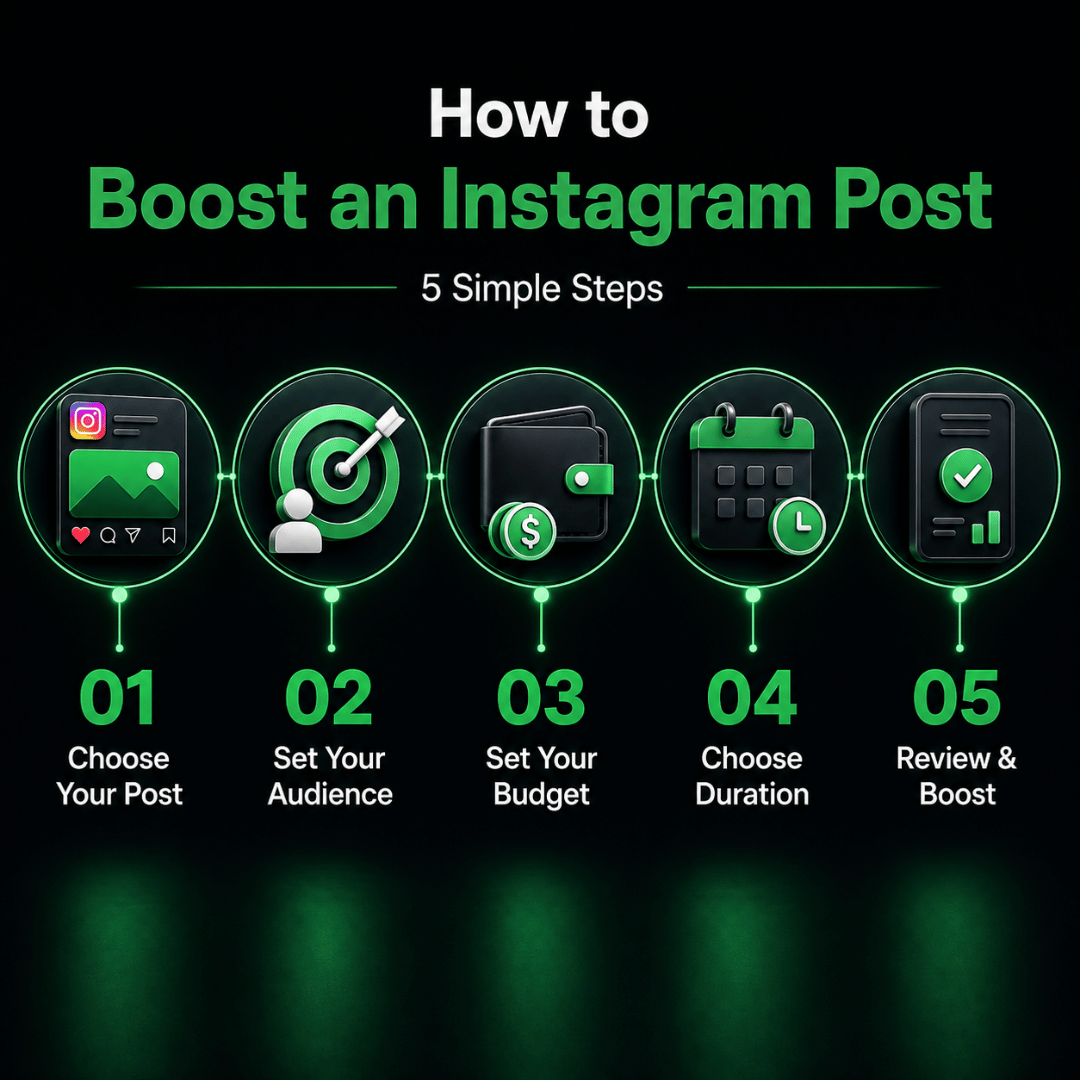
Instagram may update its interface, but the general process usually follows five steps.
- Select suitable content. Choose a published post or Reel that supports a clear business goal.
- Choose the goal. Select the result that best matches the intended outcome.
- Define the audience. Use an automated audience or available targeting settings.
- Set the budget and duration. Give the promotion enough delivery to produce useful information.
- Review and submit. Confirm the content, destination, audience and spending before sending it for review.
Do not automatically boost the post with the most likes. Choose content that explains the offer clearly and gives the audience a useful next action.
Why Can’t I Boost My Instagram Reel?
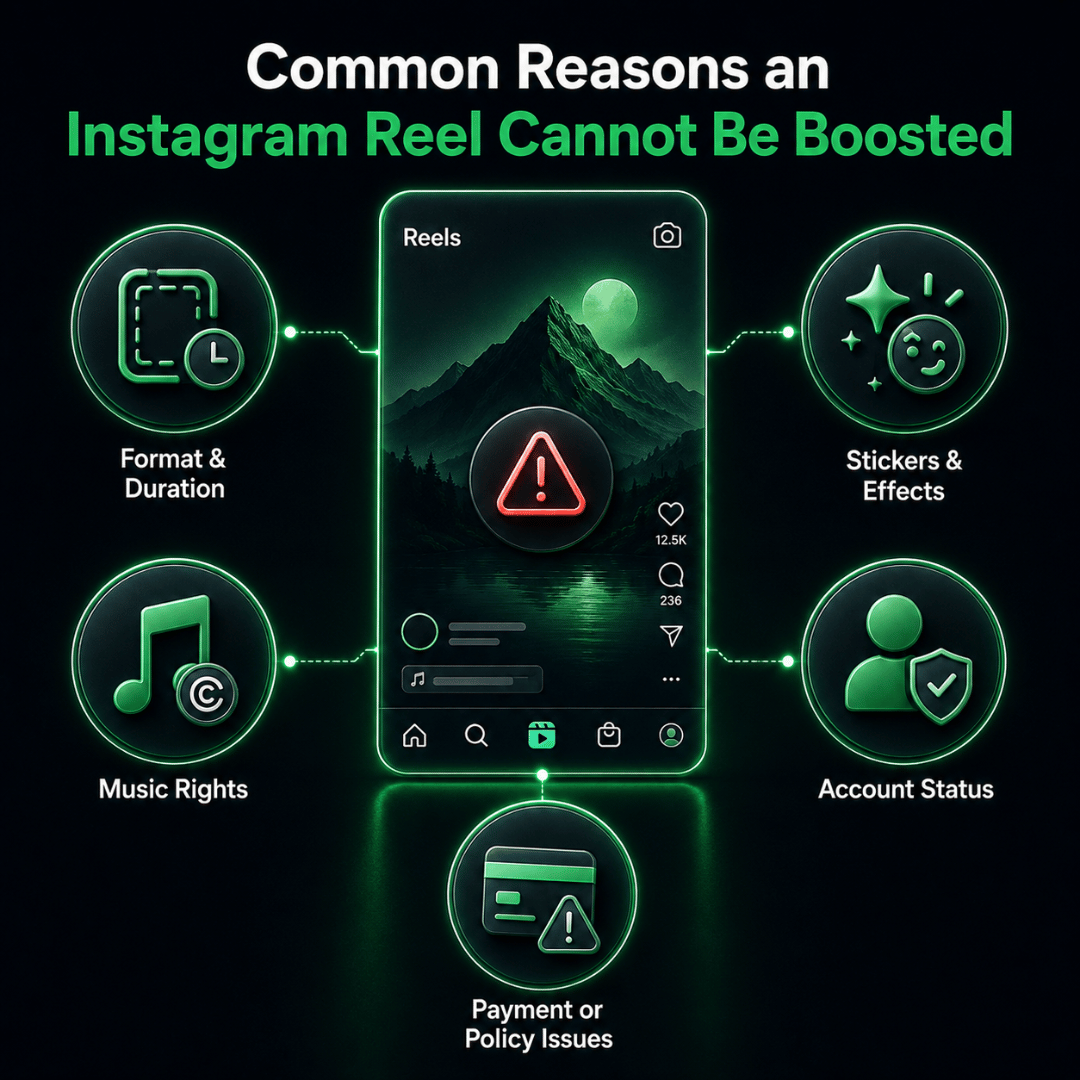
A Reel may perform well organically but still be ineligible for boosting.
The issue may relate to its format, music, effects, account status or advertising eligibility.
Format or Creative Restrictions
Some Reels may not meet the technical or creative requirements for paid promotion.
Businesses planning to advertise a Reel should prepare it accordingly. A clear vertical layout, readable text and a strong opening make it easier to use as an ad.
Music and Licensing
Audio available for organic Instagram content may not always be cleared for advertising use.
Restricted or copyrighted music can prevent a Reel from being boosted. Original audio or properly licensed commercial music is generally safer for promotional content.
Stickers, GIFs and Effects
Interactive stickers, GIFs, filters or some third-party effects may affect eligibility. These features may work organically but create restrictions when the content becomes an advertisement.
Account, Payment or Technical Issues
The problem may come from the account rather than the Reel. Check:
- Instagram and ad account status
- Advertising permissions
- Payment information
- Previous rejected promotions
- Policy-related restrictions
A recently published Reel may also still be processing, or the Instagram app may need updating. Check these issues before recreating the content.
What Should You Measure After Boosting a Post?
The correct metrics depend on the goal.
| Goal | Main Metric | Supporting Metric |
| Visibility | Reach or impressions | Views or engagement |
| Profile activity | Profile visits | Follows or contact actions |
| Website traffic | Landing-page visits | Conversions |
| Messages | Relevant conversations | Qualification rate |
| Leads or sales | Qualified leads or purchases | Cost per result |
Reach and engagement show attention, not necessarily business results. For messages or leads, review whether conversations came from suitable prospects. Ten relevant enquiries may be more valuable than hundreds of likes.
Also compare cost with value:
- How much did each useful action cost?
- Did the promotion reach the intended audience?
- Were the enquiries relevant?
- What should change before the next campaign?
Common Instagram Boosting Mistakes
Boosting Without a Clear Outcome
Do not boost only because a post is already receiving engagement. Organic popularity does not replace a campaign goal.
Measuring Success Through Likes Alone
Likes may show interest, but they do not prove that the promotion generated customers, registrations or sales.
Using a Weak Call to Action or Destination
A strong visual can still fail when the audience does not know what to do next, while a slow page, confusing offer or broken form can waste paid traffic.
Repeating the Same Approach Without Learning
Each promotion should produce a lesson. Review which message, audience and destination performed best before launching the next one.
Instagram Boosting Decision Checklist
| Question | Boost Post May Be Enough | Consider Ads Manager |
| Is the goal mainly visibility or profile activity? | Yes | Not necessary |
| Do you need several audience groups? | No | Yes |
| Do you need retargeting? | No | Yes |
| Are you testing several creatives or offers? | No | Yes |
| Is lead or sales measurement important? | Limited | Yes |
| Do you need greater placement control? | No | Yes |
| Is the campaign part of a larger funnel? | No | Yes |
A business does not need the most advanced setup for every promotion. It needs the setup that matches the complexity of the desired outcome.
Final Takeaway
For businesses asking what does boost post mean on Instagram, it is a simpler way to turn existing content into paid advertising. Boosting can help increase visibility, encourage profile activity or support a straightforward promotion, while Meta Ads Manager provides greater control over targeting, testing and measurement.
Meta Ads Manager is more suitable when the campaign needs structured targeting, multiple audiences, creative testing, retargeting or clearer measurement of leads and sales. The easiest option is not always the most suitable one. Start with the outcome your business needs. Then choose the method that provides enough control to achieve and measure that outcome.
Explore Our Instagram Advertising Services to understand how campaign planning, audience strategy, creative direction and optimisation can turn Instagram attention into measurable business activity.
For businesses that need a campaign built around leads, sales, registrations or other defined outcomes, Plan Your Instagram Advertising Campaign With Us.